
Gaming is more than just a hobby—it’s a passion, a community, and a way to escape into different worlds. Whether you’re a casual player or a competitive gamer, optimizing your gaming experience can take your playtime to the next level. From choosing the right hardware to understanding the best settings, mastering your gaming experience involves a combination of technology, personalization, and knowledge. In this blog post, we’ll cover essential tips to enhance your gaming setup, improve performance, and elevate your overall experience.
Choose the Right Gaming Hardware
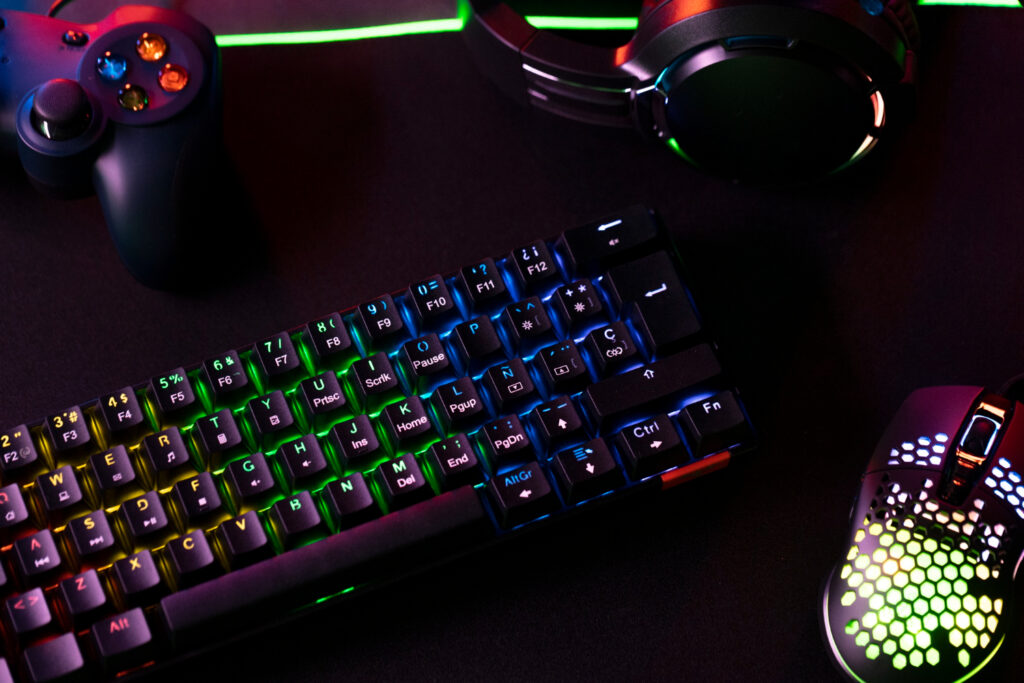
The foundation of a great gaming experience starts with the right hardware. Gaming PCs, consoles, and accessories can all have a significant impact on your gameplay. If you’re a PC gamer, choosing the right GPU (Graphics Processing Unit), CPU (Central Processing Unit), and RAM is crucial to running games smoothly at high settings. NVIDIA GeForce or AMD Radeon graphics cards are popular choices for delivering the best performance in graphically demanding games.
For console gamers, selecting the latest generation console, like the PlayStation 5 or Xbox Series X, ensures you get the most out of the newest games. These consoles offer cutting-edge performance, faster load times, and compatibility with 4K resolution and Ray Tracing for stunning visuals. Additionally, selecting the right gaming monitor or TV with high refresh rates, low latency, and HDR support can further enhance the visual experience, providing more fluid and immersive gameplay.
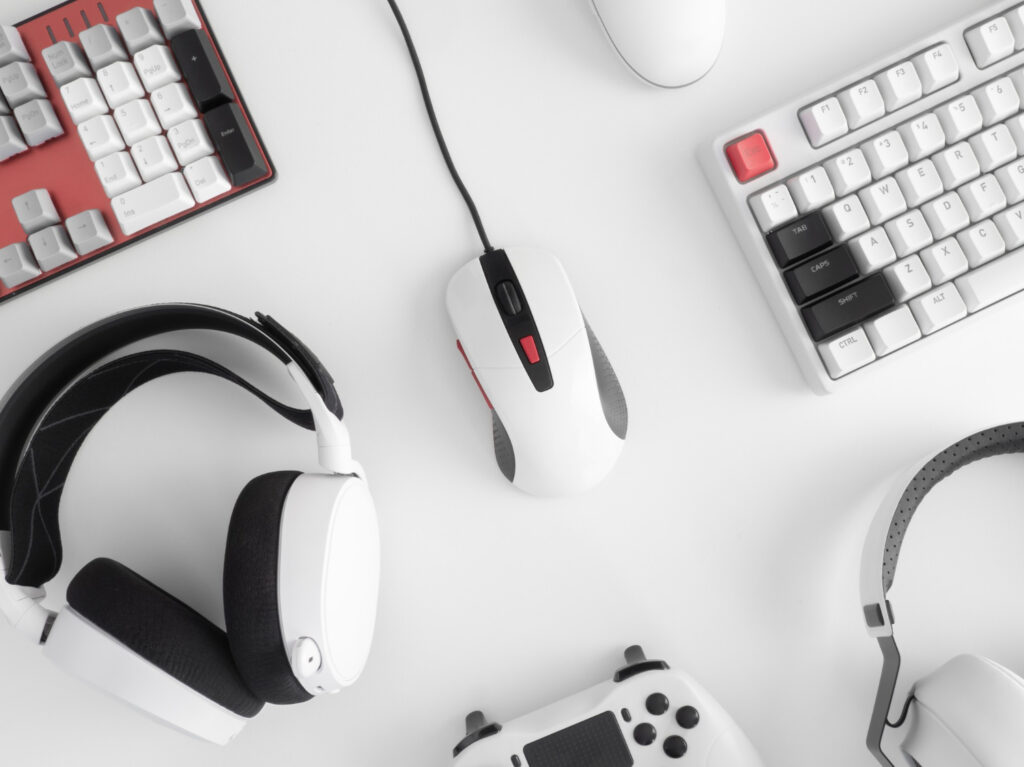
Peripherals such as gaming mice, keyboards, controllers, and headsets are equally important. A mechanical keyboard with responsive keys and a high-DPI mouse can give you an edge in competitive games, while a gaming headset ensures clear communication with teammates and an immersive sound experience. Don’t forget the comfort aspect—ergonomic accessories like a gaming chair and adjustable desk can make hours of gaming more comfortable and enjoyable.
Optimize Your Network for Seamless Gameplay
Nothing can ruin a gaming session faster than lag, disconnects, or high latency. To achieve smooth, uninterrupted gameplay, optimizing your network connection is essential. A wired Ethernet connection is the most reliable option for gaming, as it offers lower latency and a more stable signal compared to Wi-Fi. If you must use Wi-Fi, ensure your router is capable of supporting Wi-Fi 6 or 5GHz bands, which provide faster speeds and reduce congestion.
Another factor to consider is network congestion. If other devices in your home are consuming large amounts of bandwidth—like streaming video or downloading files—this can cause delays in your game. Consider using Quality of Service (QoS) settings in your router to prioritize gaming traffic over other types of internet usage.
In addition to network speed, the performance of game servers also plays a critical role in online multiplayer games. Choosing servers that are geographically closer to you can reduce ping and ensure a more responsive gaming experience. Many modern games offer server selection based on region to minimize latency.
Fine-Tune Your Game Settings
To get the best performance and visual quality in your games, it’s important to fine-tune your in-game settings. Start by adjusting your graphics settings to balance between visual fidelity and performance. If you’re aiming for higher frame rates, consider reducing settings like shadow quality, anti-aliasing, and resolution scaling. Many games come with preset options like low, medium, or high graphics settings, but customizing them allows for better optimization based on your hardware.
In addition to graphics settings, check the control settings in your games. Fine-tuning your controls for responsiveness and comfort can have a huge impact on your gameplay, especially in fast-paced genres like first-person shooters (FPS) or MOBA games. For instance, adjusting the mouse sensitivity, controller remapping, and field of view (FOV) settings can help you feel more in control during intense moments.
Don’t forget about audio settings. Properly adjusting the sound in your game can provide crucial feedback for gameplay. Setting up 3D audio or surround sound with your gaming headset can help you hear footsteps, gunshots, and environmental cues with precision, giving you a competitive edge.
Build a Comfortable and Inspiring Gaming Environment
A comfortable and immersive gaming environment is key to enjoying long gaming sessions. First and foremost, ensure your gaming setup is ergonomic. A comfortable gaming chair with lumbar support, an adjustable desk, and a monitor positioned at eye level are essential for maintaining good posture and preventing strain. Prolonged gaming can cause fatigue and discomfort, so make sure to take regular breaks and adjust your seating and screen to reduce any physical strain.
Lighting also plays a significant role in setting the mood for your gaming experience. Consider using ambient lighting, such as RGB lighting strips around your desk, or smart bulbs to create a dynamic atmosphere that matches the energy of the game. Some gamers even use bias lighting behind their monitors to reduce eye strain during extended play.
If you’re aiming for an immersive experience, explore adding surround sound systems or using a VR headset for virtual reality gaming. These technologies enhance the realism of the game world, allowing you to feel more deeply connected to the gameplay.
Stay Ahead with Game Knowledge and Community Engagement
Mastering your gaming experience isn’t just about the hardware and settings; it’s also about staying informed and connected with the gaming community. Follow gaming news, updates, and patch notes to keep up with the latest trends and developments in the gaming world. Many games release updates that can significantly alter gameplay mechanics or introduce new features, so staying informed ensures you don’t miss out.
Joining online communities, whether on Reddit, Discord, or Twitch, allows you to engage with other gamers, share tips and strategies, and learn new techniques. Watching streamers or professional gamers can also provide insights into advanced tactics and strategies, which can be applied to improve your own gameplay.
Finally, don’t forget about game-specific training or tutorials. Many games offer built-in training modes or community lifehacks that help players master mechanics and skills. Spending time learning about game mechanics, maps, and team strategies can significantly improve your performance in competitive gaming.
To truly master your gaming experience, it’s about more than just having the right hardware or settings. It’s about creating a gaming environment that suits your needs, optimizing your gameplay through smart settings and network adjustments, and staying engaged with the gaming community. With the right preparation and knowledge, you can elevate your gaming experience, whether you’re a casual gamer, an esports enthusiast, or someone who just loves to dive into a virtual world for some fun. By following these tips, you’ll be ready to play at your best, with all the tools necessary to succeed and enjoy every moment of your gaming journey.
Leave a Reply